Build your first agent from your website
Enter your website's link: Zolai reads up to 50 pages, suggests an agent name, common questions and contact details, and you review them and try your agent.
4 min readاقرأ المقال بالعربية
The fastest way to build your agent: give Zolai your website's link. We read the pages, suggest a name for your agent and the questions your visitors ask most, and you review the suggestions and try the agent straight away.
Who can do this: members who can create agents and add knowledge.

Step 1: Enter your website's link
Click New agent in the sidebar. (If you're creating your account now, the last setup step takes you to the same place.)
Under Start from your website, type your link in Your website, for example
yourstore.com.Click Continue.
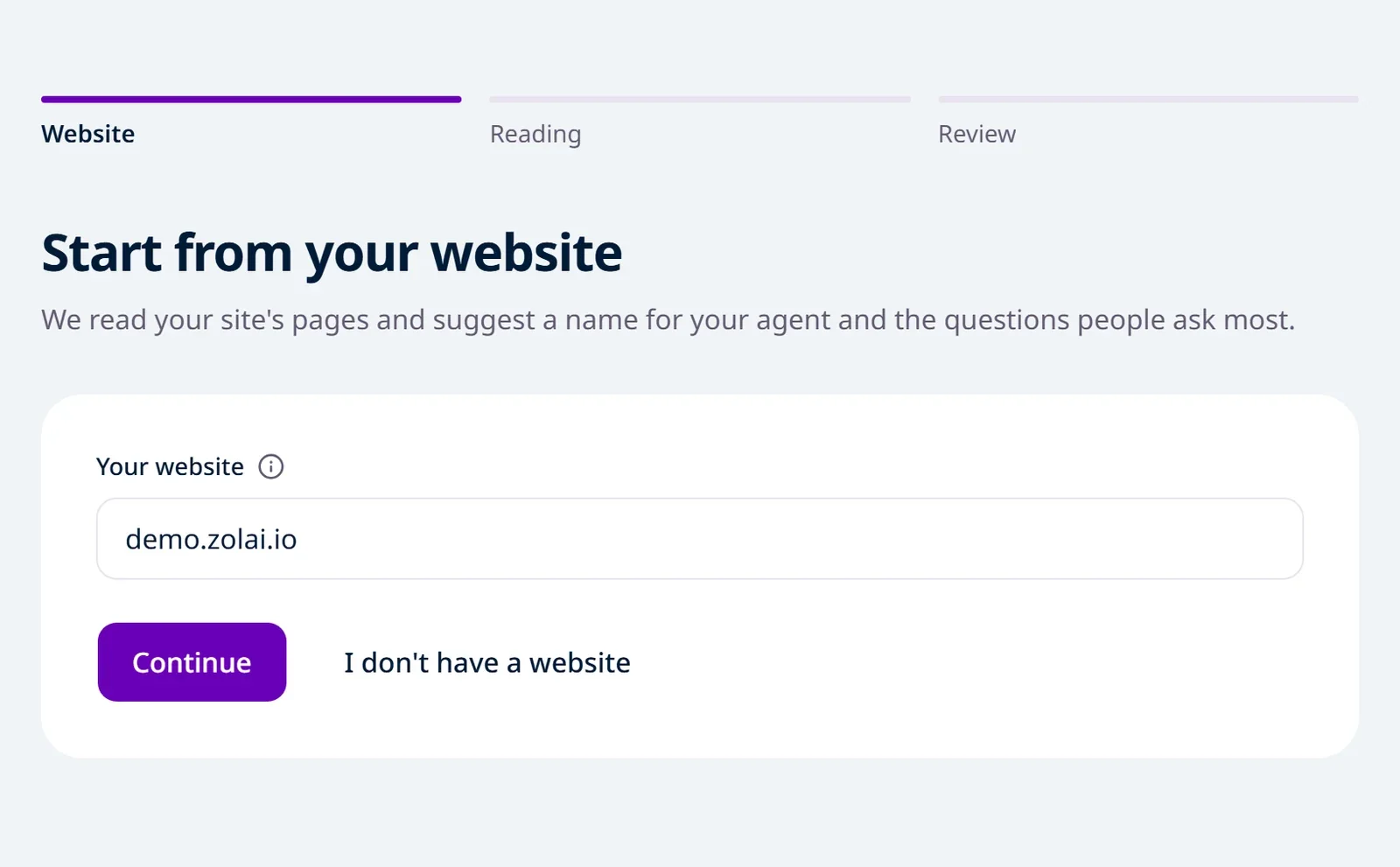
The agent is created right away, named after your site for now. Your site's domain goes into Allowed sites, so the chat only works there, and the whole site is queued to be read.
No website? Click I don't have a website, enter the Agent name, pick the Reply language and click Create agent. You land on the agent's Files, where you upload what it should learn from.
Step 2: We read your website
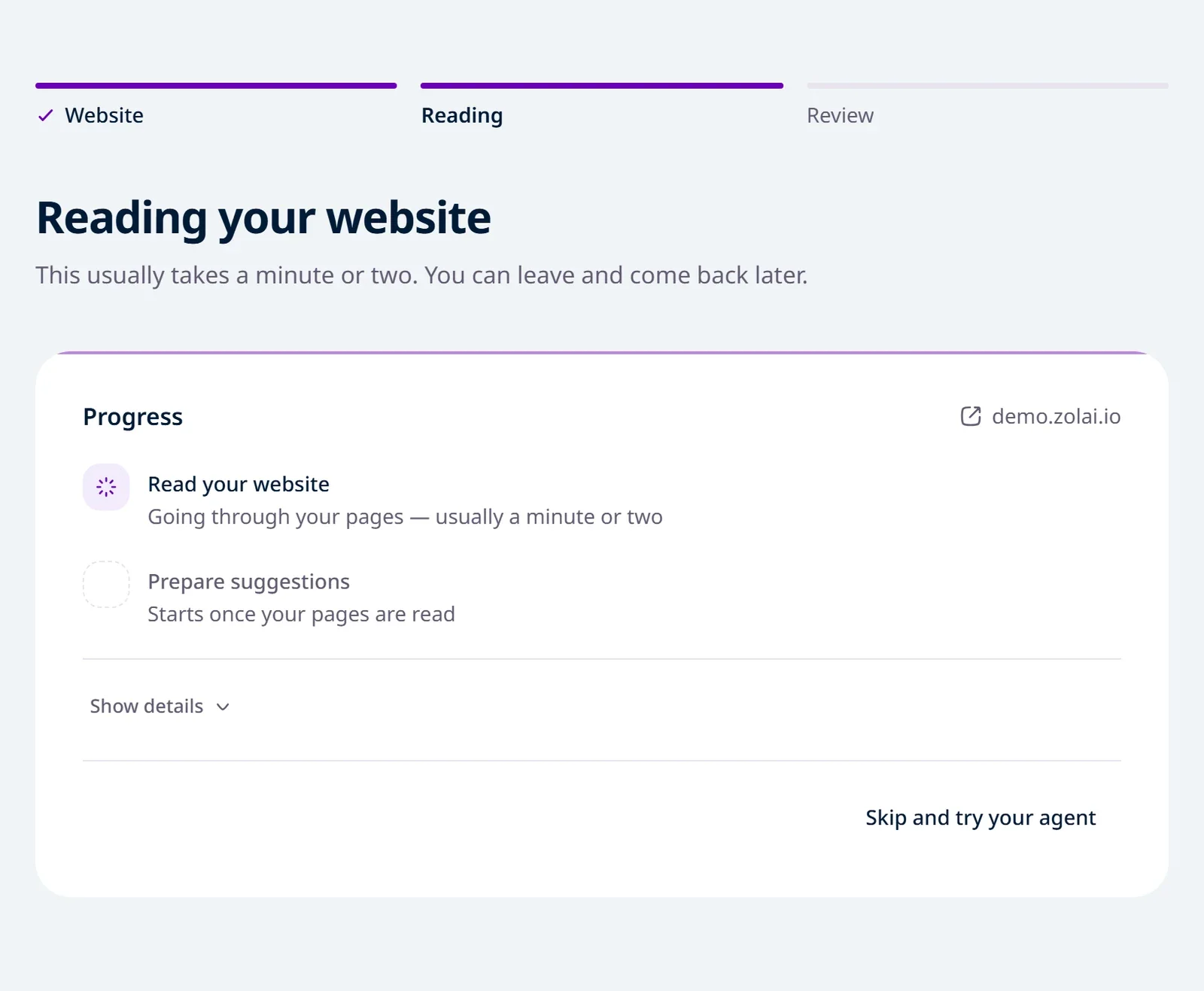
The page shows two steps:
Read your website: we go through your pages, up to 50, and show how many we've read.
Prepare suggestions: we suggest a name and questions from your site's content.
This usually takes a minute or two. You can leave and come back later, or click Skip and try your agent if you'd rather not wait.
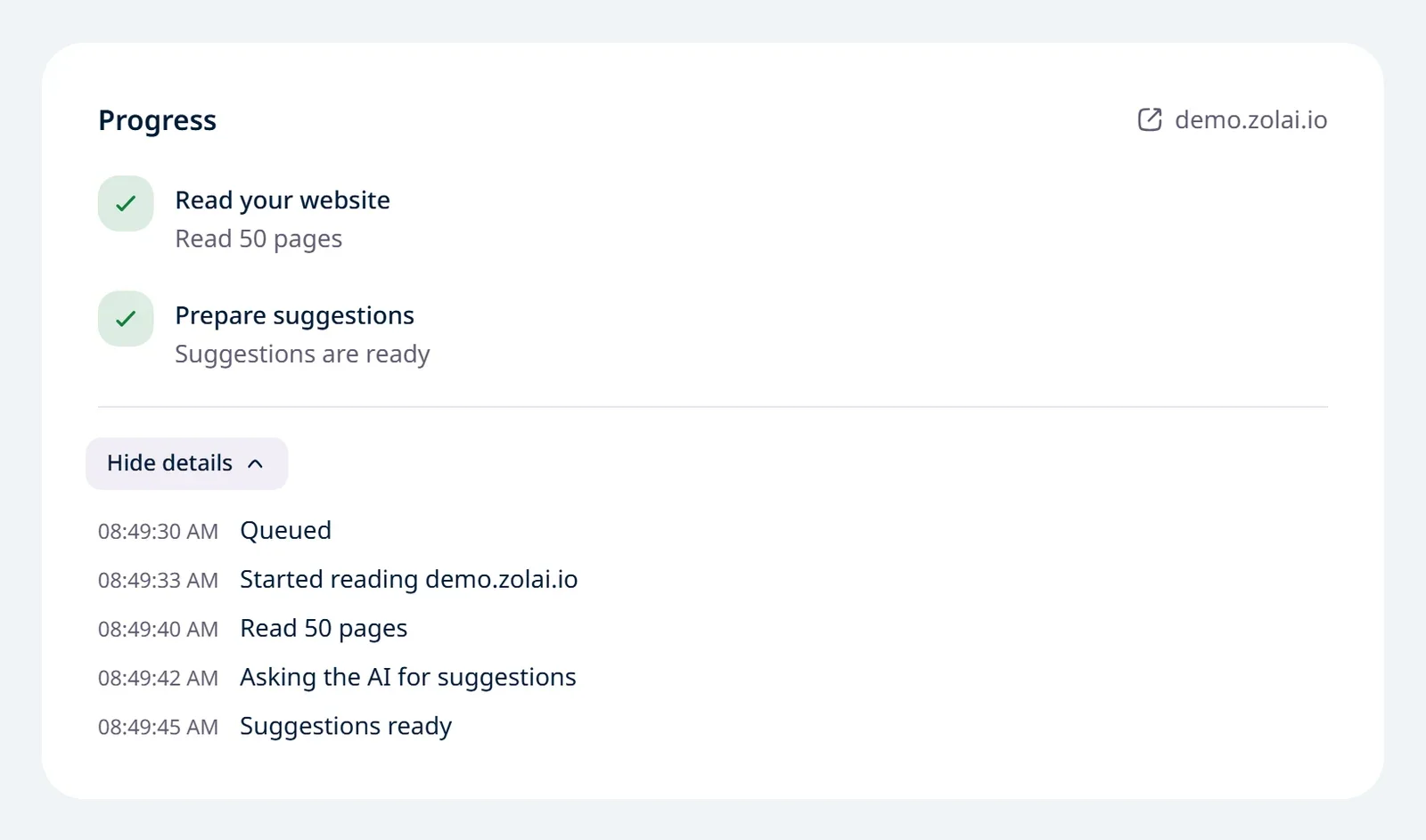
To see what happened step by step, with times, click Show details.
Step 3: Review your agent
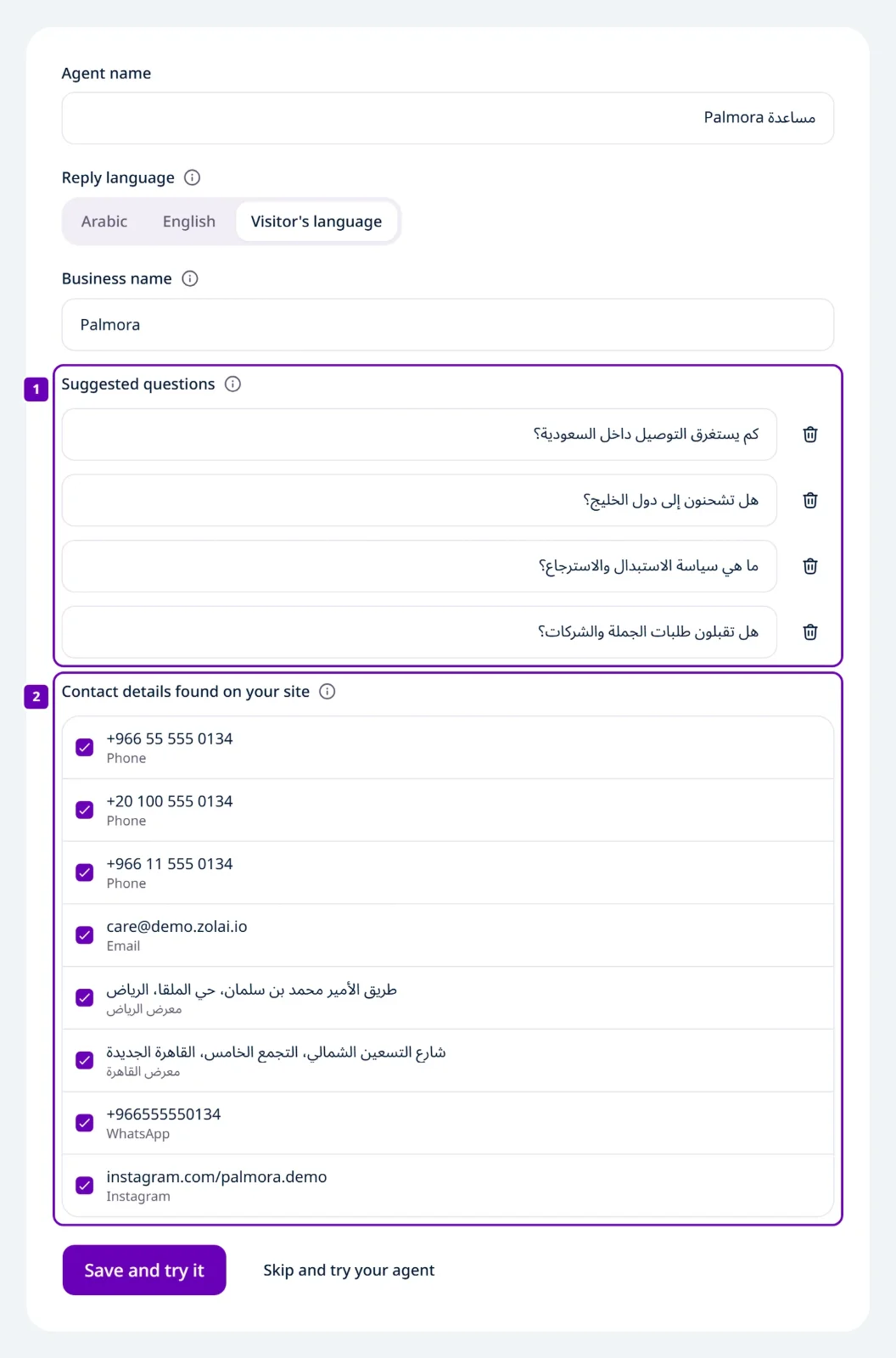
When the suggestions are ready, Review your agent appears. Change anything you like:
Field | What it is |
|---|---|
Agent name | The name your visitors see in the chat. |
Reply language | Picked from your site's language: Arabic, English, or Visitor's language for a bilingual site. |
Business name | Saved in Business info; your agent uses it exactly as written. |
Suggested questions | Up to 4, shown as buttons in the chat so visitors can start with one. |
Contact details found on your site | Phones, emails, addresses and links from your pages. The ones you tick are added to Business info, after anything already there. |
Then click Save and try it. Try it opens so you can ask your agent its first question.
Contact details you leave unticked aren't lost: they wait in Knowledge → Business info under Found on your website, to add later. Nothing you wrote yourself is ever changed.
If something fails
The page says exactly what happened: we couldn't read the site, didn't find enough text, the AI service didn't answer, or it took too long.
If the site couldn't be read, click Read the site again. First check that the site works and its pages are public.
If the suggestions failed, click Try again.
Or fill in the form yourself and continue. You can change everything later.
Why a site might not be read, and how to fix it: Add your website.
Limits
What | Limit |
|---|---|
Website pages read | Up to 50, on the same site |
Suggested questions | Up to 4 |
Number of agents | Set by your plan |